
IMAGINE THIS...
You open Blender, load the project files, and instead of wondering where to start… you know exactly what to do next.
✅ You plan a short fight sequence that actually makes sense.
✅ You block out strong poses without overthinking every frame.
✅ You add timing, reactions, and impact so the fight starts to feel alive.
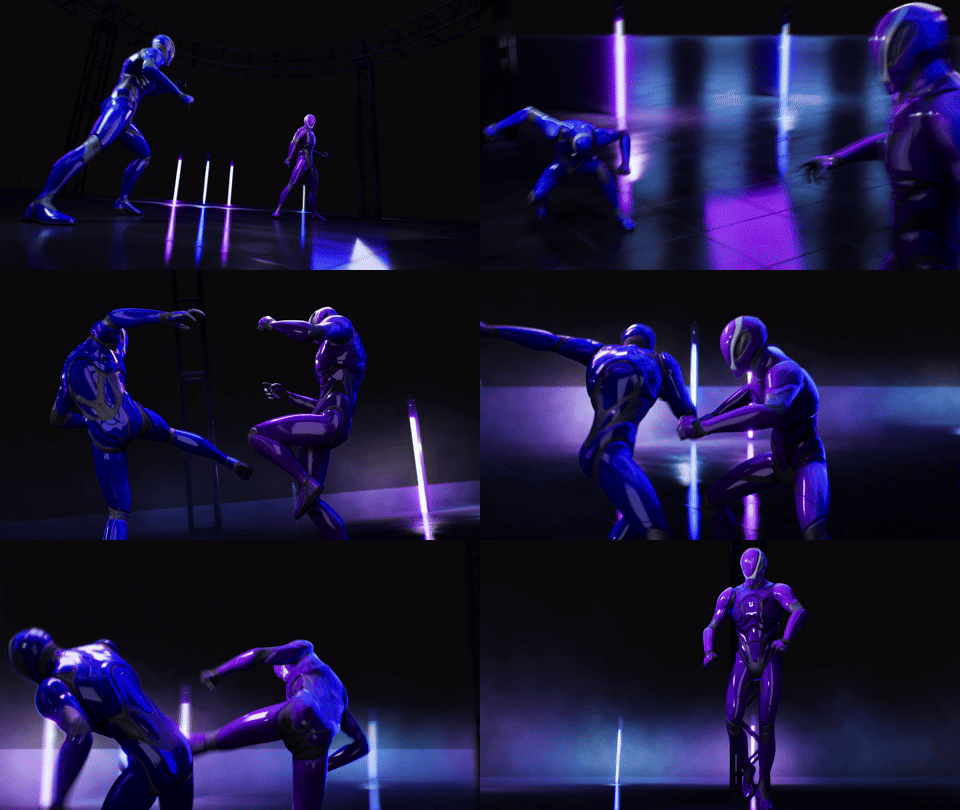
✅ You polish the shot into something you’re proud to post.
That’s what it feels like to animate with a system instead of a guess.
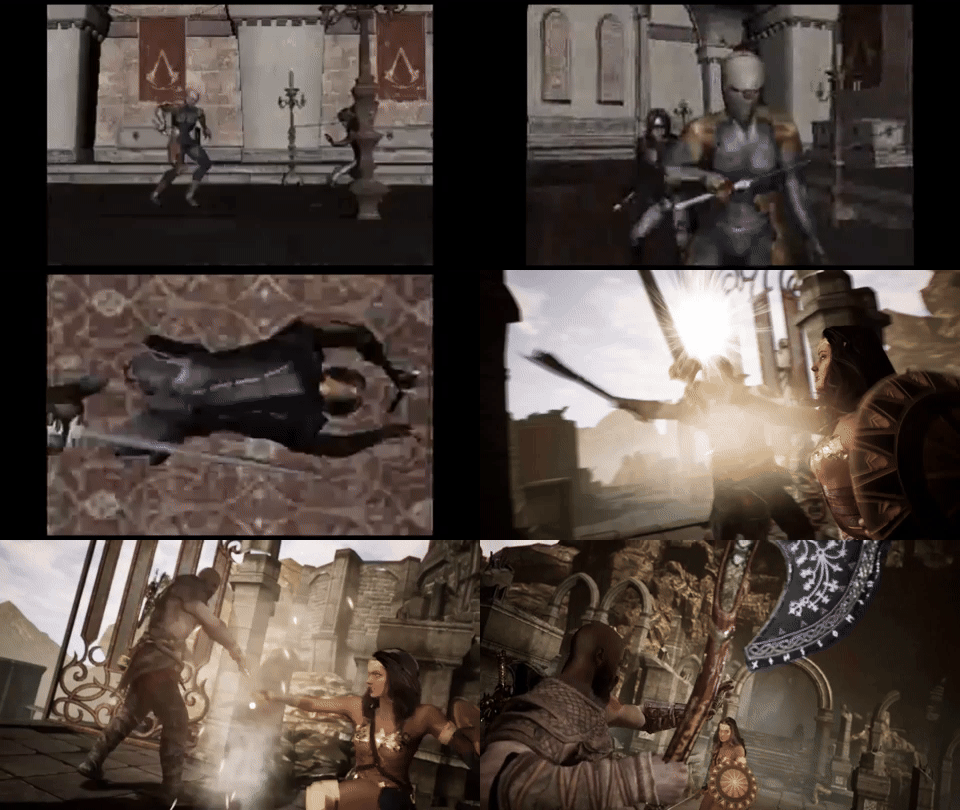
THERE'S A FASTER WAY TO ANIMATE FIGHT SCENES
Trying to Learn Alone
❌
❌
❌
❌
❌
You watch a fight you love, open Blender, and freeze. You don't know what the fight is supposed to be, who wins the exchange, or how many hits feel right.
You get stuck figuring out choreography, timing, camera, impact, and polish by yourself.
Beginner exercises rarely prepare you to animate the kind of action scenes you actually want to make.
Your hits connect but nothing lands. You can't tell if it's the timing, the poses, the camera, or all three.
What should take weeks turns into months of guessing, restarting, and second-guessing.
Combat Animator Bootcamp
✅
✅
✅
✅
✅
A design system that tells you exactly what the fight should look like before you start animating.
A phase-by-phase workflow so you always know what to work on next — and when to move on.
Specific techniques for timing, spacing, and camera that make hits feel heavier
A finished fight sequence with a signature moment you planned intentionally, not stumbled into.
A repeatable method you can use on the next fight, and the one after that, not just this one course project.
THE 3-2-1 FIGHT DESIGN METHOD
Most animators grab one reference and copy it. That is why their fights feel like someone else's style with worse execution.
The 3-2-1 Method gives you a design process before you touch a keyframe. Every fight scene built in the Bootcamp uses it. Every fight scene you build after will too.
1
Signature Moment
The hit, the reversal, or the beat that makes people rewind it. You design this on purpose.
2
Stylizations
Ways you push those references into something that feels like your voice, not an imitation of whoever you studied.
3
References
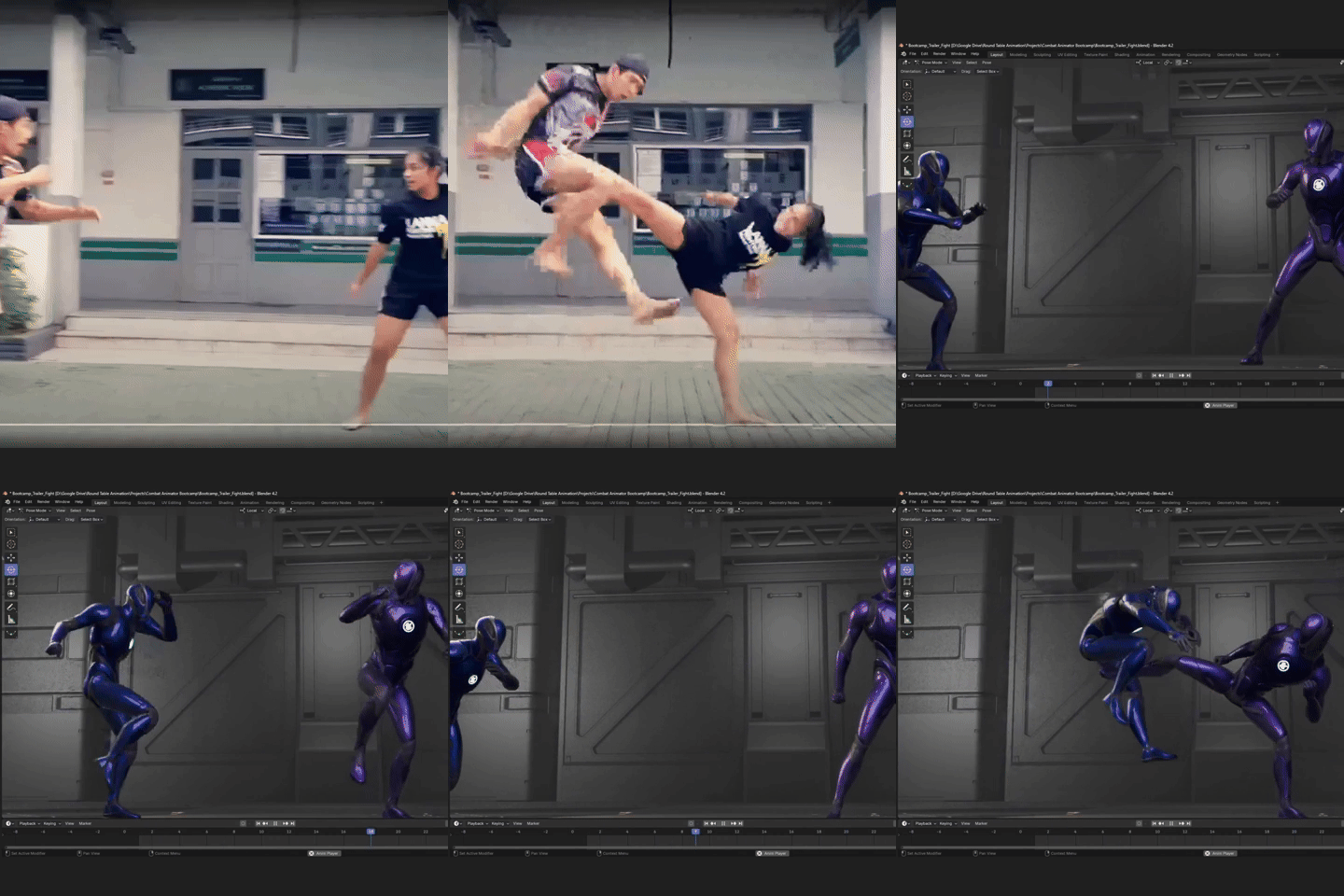
Pulled from different sources — anime, live action, game cinematics, so you build range instead of just copying one idea
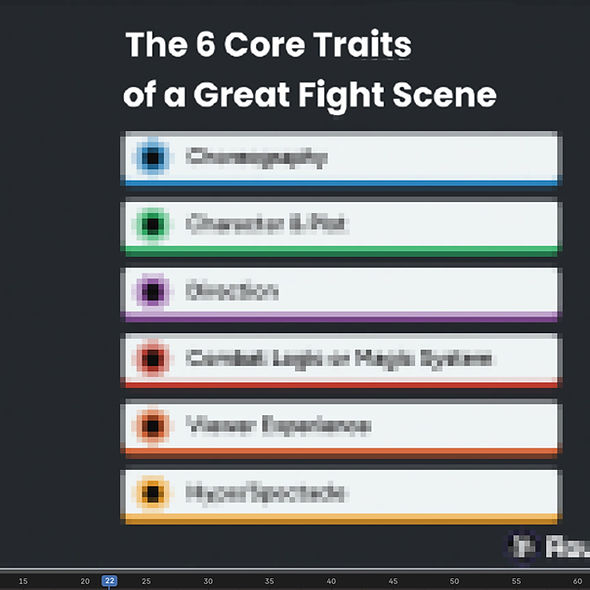
🥋 The Combat Builder Blueprint
Most animators struggle with fight scenes because they try to animate everything at once: the punches, the camera, the reactions, the timing, the footwork, and the polish.
01 Design the Exchange
Plan who attacks, who defends, and why the fight looks the way it does — before you open the software. This is where most animators skip and pay for it later.
02 Set the Combo
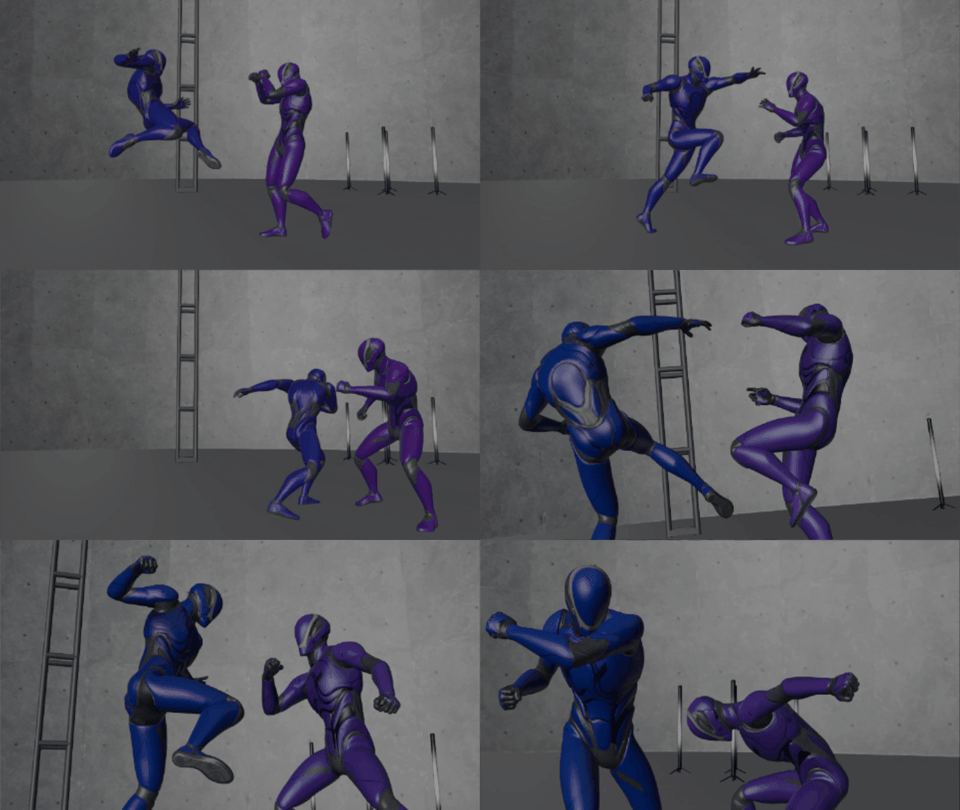
Block out the full sequence with correct timing structure. This is where floaty hits get fixed. No more animations that feel like two people taking turns standing near each other.
03 Land the Signature Moment
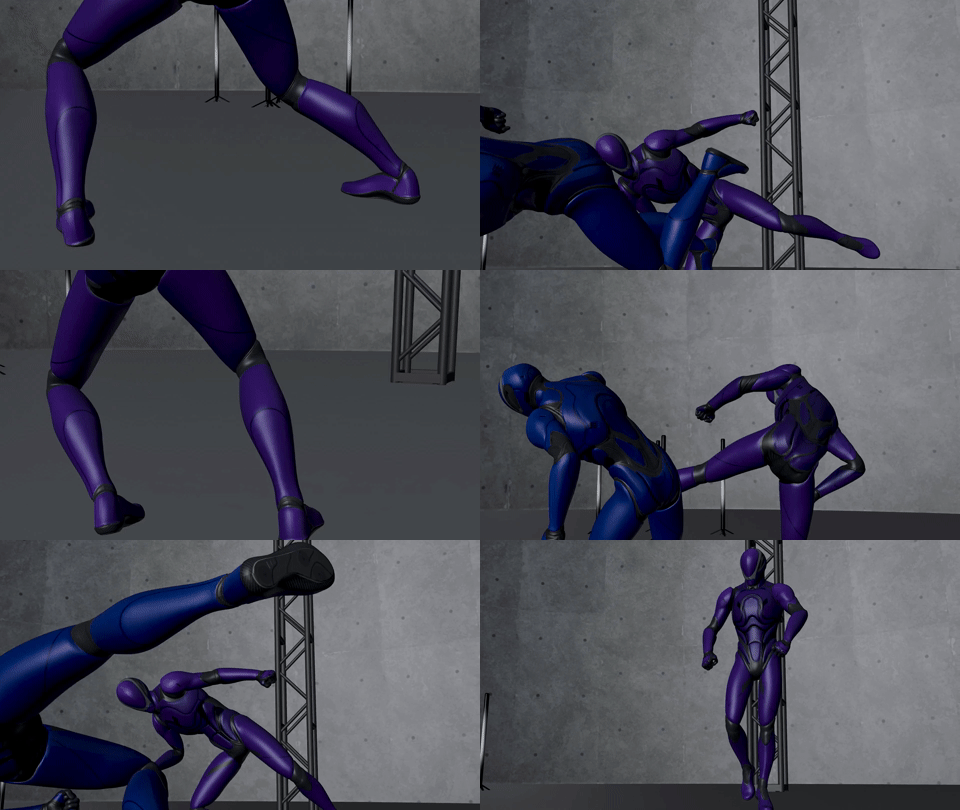
Every great fight scene has one beat people remember. You will design yours intentionally — not stumble into it on accident at the end.
04 Polish and Present
Clean the animation, tighten the camera, and render something worth posting to your portfolio or reel. Finish what you started.
Meet Cliff, your Animation Instructor!

Hey! I'm the creator behind Round Table Animation, where I've taught aspiring animators the art of bringing characters to life.
I’ve created cinematic fight animations, client trailers, Unreal Engine breakdowns, and animation tutorials that have helped thousands of animators learn Blender, Maya, and Unreal Engine.
"I built this Bootcamp to give you what I wish I had when I started."
-
Creator of Round Table Animation
-
40k+ YouTube subscribers
-
Tutorials across Blender, Maya, and Unreal Engine
-
Client animation work for indie games and film projects
-
Years of experience breaking down fight animation for beginners
II built Combat Animator Bootcamp to give you the course I wish I had when I started: a focused, beginner-friendly path to your first fully animated fight scene.
Create Combat Animations That Actually Feel Good
Learn how to plan, block, time, and polish action scenes that feel fast, readable, and fun to watch.
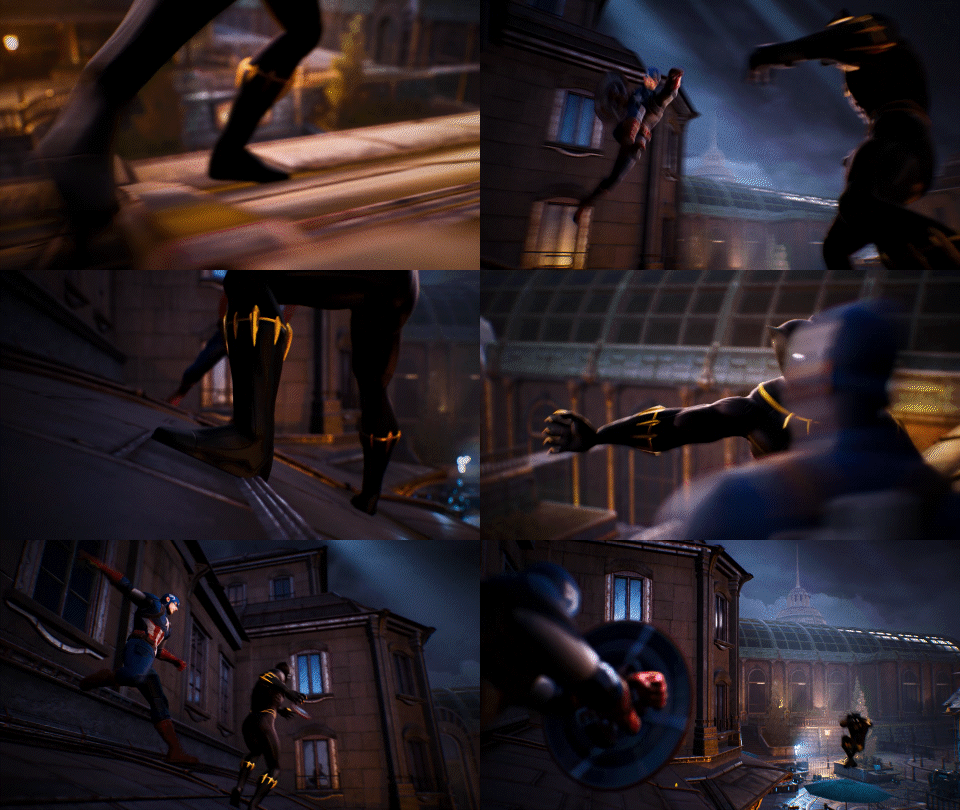
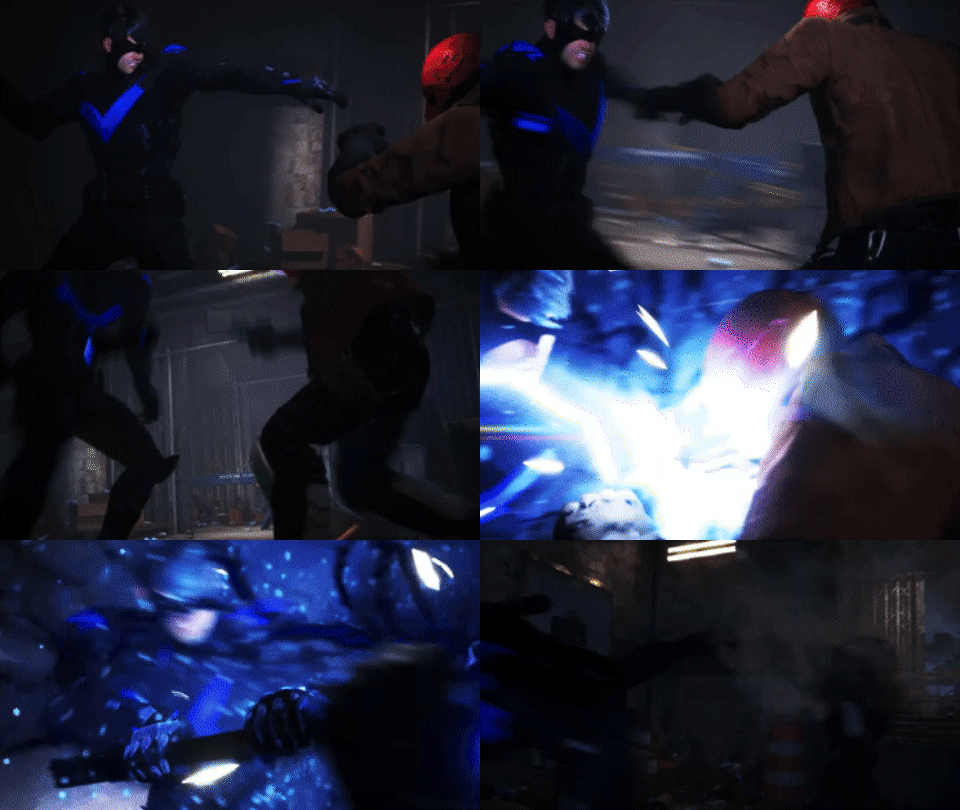
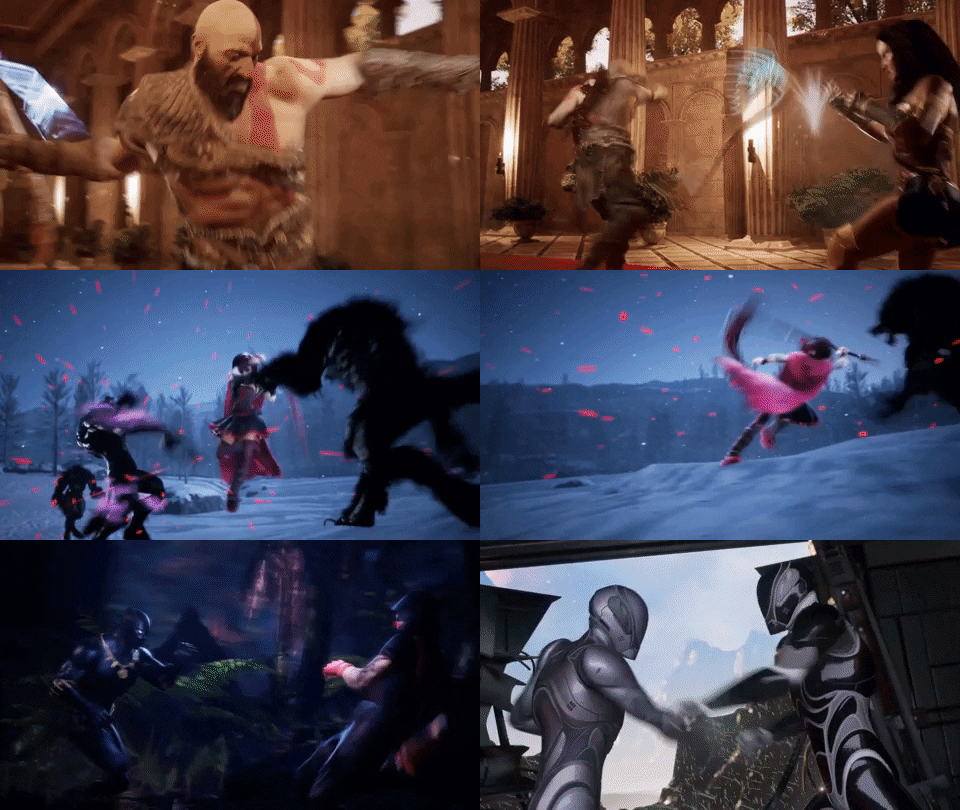
What You’ll Learn in Combat Animator Bootcamp


JOIN COMBAT ANIMATOR BOOTCAMP TODAY
Everything you need to plan, block, animate, and polish your first cinematic fight scene from scratch.
COMBAT ANIMATOR BOOTCAMP
$197
$147
You'll get Instant Access to:
✅Complete fight scene design system
Taught step by step, phase by phase, start to finish
✅Guided project — blank timeline to finished fight
You build a real 5–6 move sequence, not a demo exercise
✅The 3-2-1 Fight Design Method
Your choreography framework for every fight scene going forward
✅100 choreography prompts
Never start from a blank page again
✅Ready-to-use project files, rigs, and scenes
Skip the setup headaches and get straight to animating
✅Reference breakdowns — real fights to animation
See exactly how professional fight scenes get translated into keyframes
✅Blockout-to-polish walkthrough on a real sequence
Watch every stage of a fight go from rough to finished
✅Lifetime access + future updates
Including new modules as the Bootcamp grows
🔸 One payment 🔸Lifetime access
🛡️ 14-day Money-Back Guarantee 🔸No hassle, no hard feelings.

❓ Frequently Asked Questions
Do I need to be good at animation already?
The Bootcamp is built for animators who can navigate Blender, Maya, or Unreal but have never been able to finish a fight scene they're proud of. If you understand the basics of 3D animation and can already block out a keyframe, you're ready for this.
How is this different from courses by studio animators?
Most stylized action courses teach you a professional animator's personal workflow. Those are great if you already know what your fight should look like and just want to see how a pro executes it. Combat Animator Bootcamp is built for the step before that, how to design a fight before you animate it. The choreography decisions, the exchange structure, the signature moment. A system that works regardless of whose workflow you're learning from later.
What software do I need?
All demos are done in Blender, but the fight animation principles and the 3-2-1 Method apply across all major 3D software — Maya, Unreal Engine, Cascadeur. No expensive plugins or extra tools required.
What exactly will I animate by the end?
A fully choreographed and animated 5–6 move fight sequence with clear hits, clean timing, a designed signature moment, and stylized polish — ready to share in your portfolio or post online. Not a demo. Your actual fight scene.
How long will it take to finish?
If you stay consistent, the goal is to finish your first fight scene in a few weeks — not months. The Bootcamp is designed so you always know what to work on next, which is the main reason most animators take forever on fight scenes.
Is this for 2D animators too?
The technique demos are in 3D, but the fight design principles — choreography, exchanges, timing, signature moments — apply directly to 2D. If you're transitioning into 3D or want stronger action storytelling in any medium, the method transfers.
Do you offer refunds?
Yes. If the Bootcamp doesn't help you within the first 30 days, reach out and you'll get a full refund. No hassle, no hard feelings.
Will this help me get freelance work or a studio job?
The Bootcamp is built to give you a portfolio-worthy fight scene and a repeatable workflow studios look for. It is not a job guarantee — but finishing a real fight scene is the kind of thing that gets you noticed in a portfolio review.